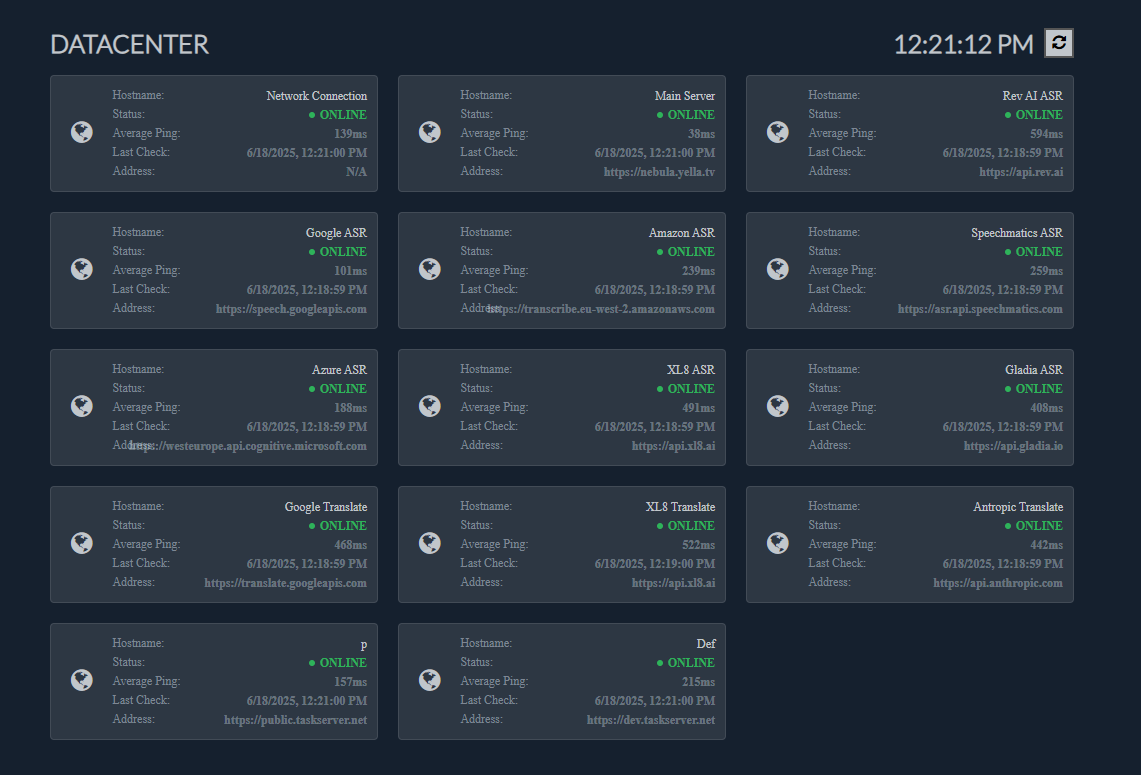
You can check the status of your connection to various services used in Stellar.
Additionally, you can check the status of your connection to any Task Servers that you were invited to work on.
You can use the Wi-Fi icon to open the Internet Connectivity Menu.
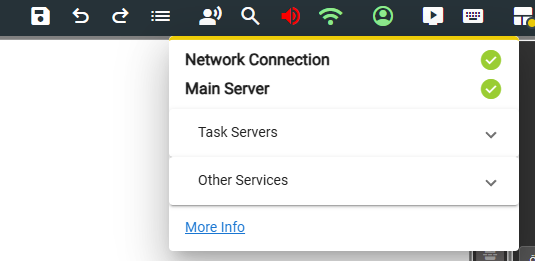
Task Servers drop down will indicate the connection to the task servers available for your account.
Other Services will indicate the connection status to 3rd party services such as Machine Translation, Synthetic Voices, ASR etc.
Use the More Info button to open the Internet Status Dashboard